At the bottom of every release changelog lives a bullet point list of the smaller changes we've made in that release.
The items on this list typically are not exciting new features that we highlight at the top of the changelog.
However, they are still important - we list both fixes and improvements in this section. Fixes are bugs that we squash by
removing the problem. Improvements are imperfections or gaps in functionality that we keep and evolve into Quality of Life
improvements.
This release focuses on these improvements.
Improvements
Addressed scenario where action buttons would not always trigger
Allowed for the recall email notification to also be sent to the users previously assigned to the form
Improved database performance for certain views
Added support for displaying additional information based on dropdown selections when adding line items using the modal
Enforced user permissions when viewing form reports
Provided the option for a new form reference to be generated and assigned to a field value
Added support to compare two forms using a field and highlight any changes in values between the two as they are made
In this release, we've improved form reporting functionality.
It is now possible to enable data table filtering on form reports, allowing you to use the functionality that was implemented in the last release for reporting.
We have improved the character handling during PDF generation, this means that special characters in forms fields will be included in the PDF.
Improvements
External workflows can only have one responsible user
The monthly forms usage report is sent at 8:30
Ensured that the form data table column filter always has form type available
Added option to enable data grid functionality to form reports
The data table experience in the Inbox, My Forms, All Forms, and Archive has been refreshed.
Firstly, the quick search filter will remain in the top right and provides the option to immediately
filter text inside any of the table columns. Each column heading can be clicked to change the sort order.
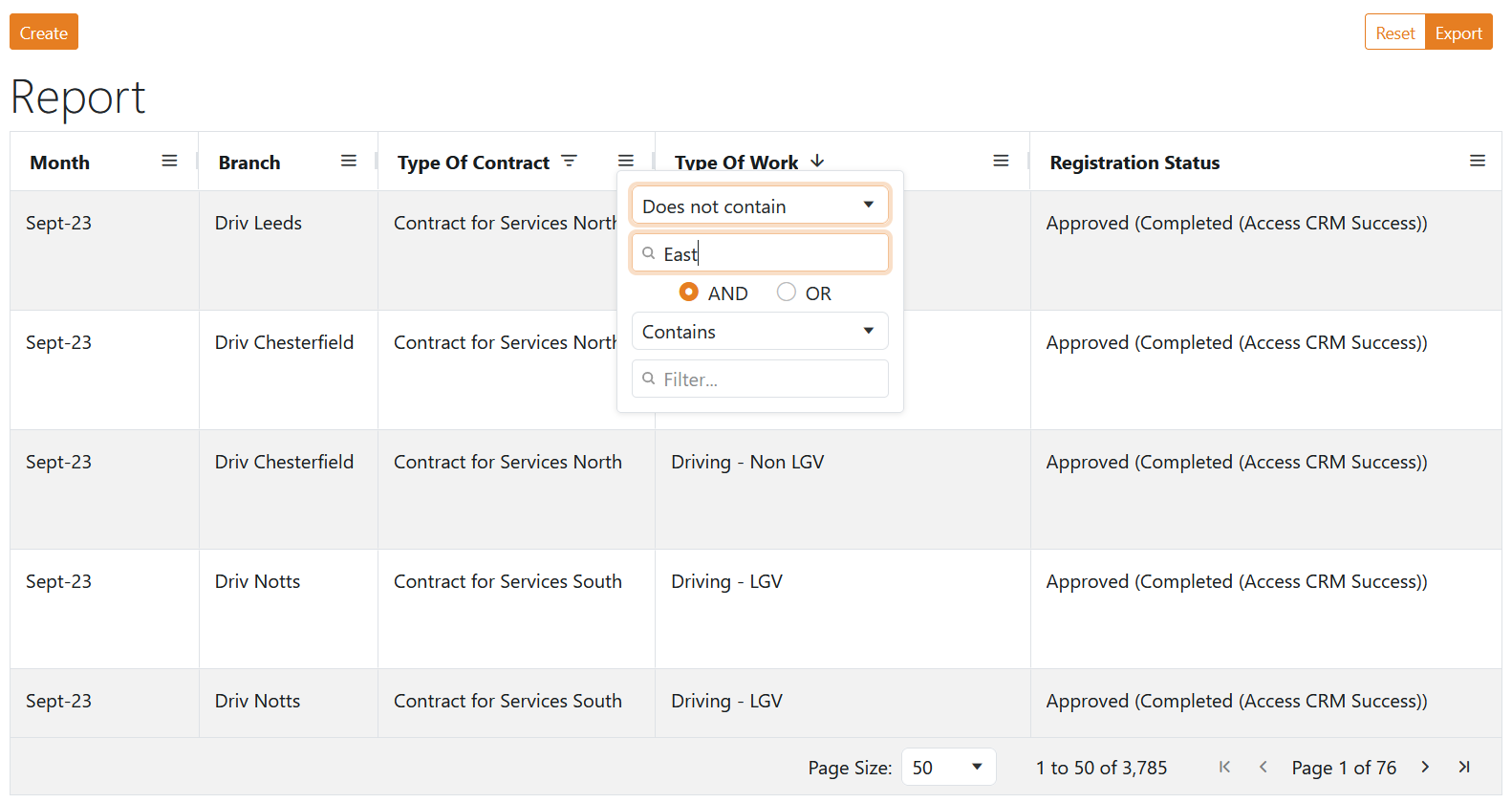
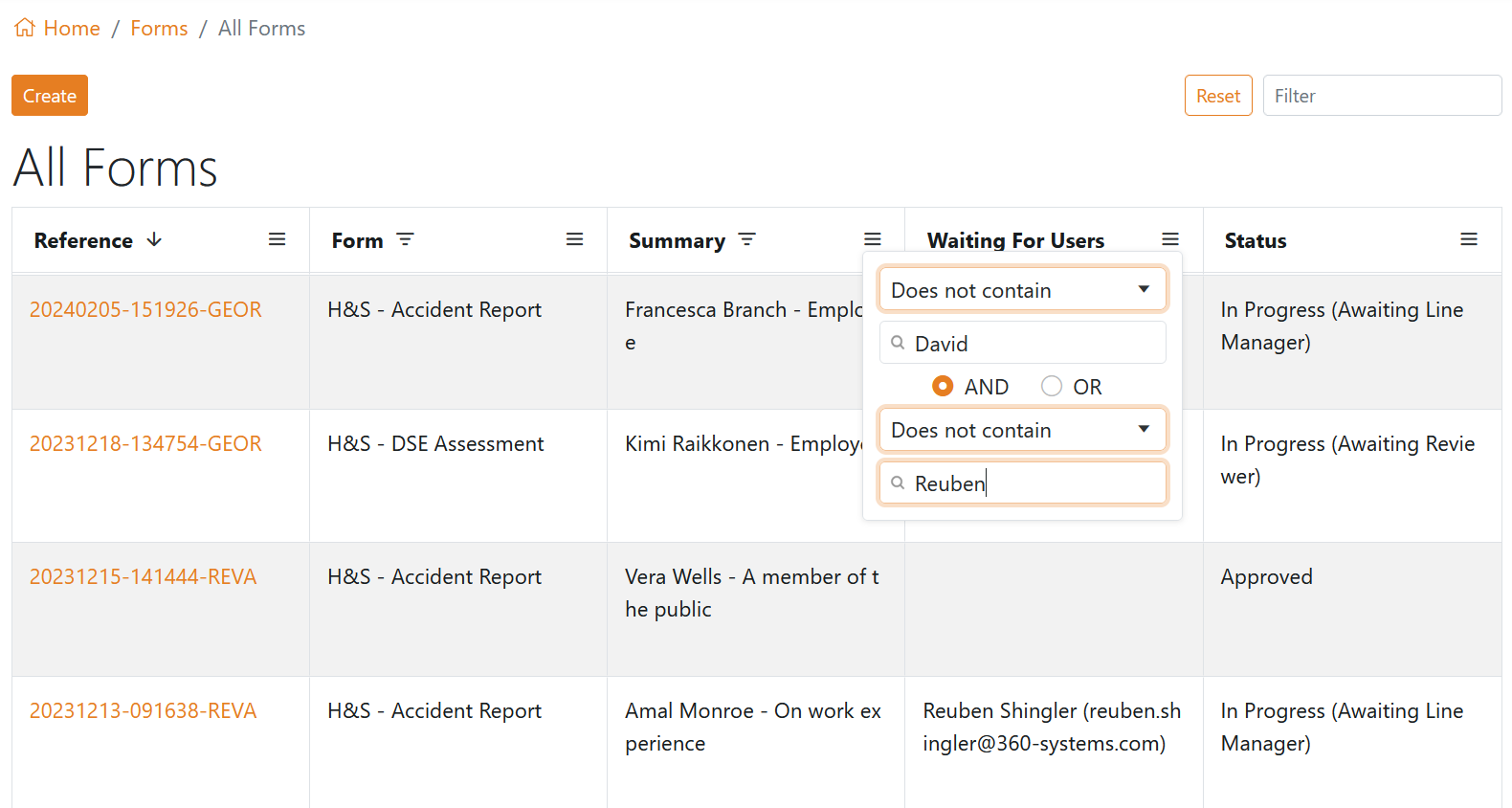
With this update, each column contains a filter menu on the right side of the column heading. When clicked the filter
menu is revealed which allows for up to two Contains or Does not Contains queries using AND / OR logic. This filter is
applied only to the chosen column. Filtered columns will display an indicator to show that they have an active filter applied.
When navigating between the refreshed data tables, any column filters or sorting that have been applied
will be remembered when the data table is reopened.
Finally, when any filter or sort is active a Reset button will appear next to the quick filter that will reset the
table back to the defaults.
Improvements
Improved data table filtering
Performance improvements during initial loading of a form
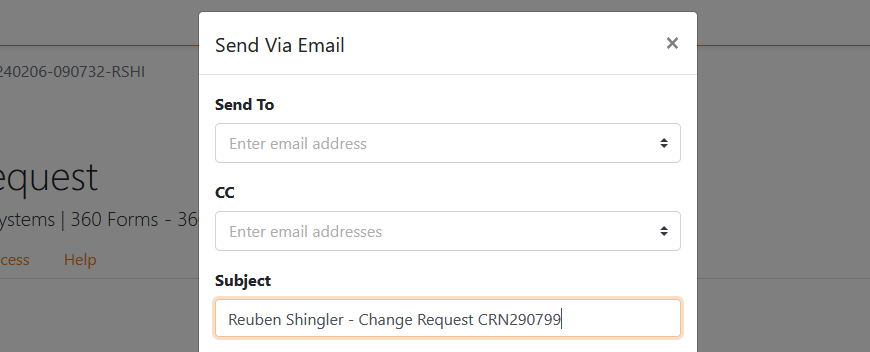
We've updated the emails that are delivered as part of workflow actions like approval, rejection, or send via email.
Emails will continue to be delivered by 360 Forms from a dediciated email address, but we've updated the email to indicate
where any replies should be sent. This will be the person who triggered the email, email clients will respect this change.
Improvements
Workflow emails indicate who replies should be sent to
In this release, the copy button has been enhanced to copy the form with the latest schema.
The copy button creates a new form which combines the
latest schema with the copied forms values, so that the latest changes to the schema are part of the
newly created form.
This is the new default behaviour.
Improvements
Copy button copies the chosen form with the latest schema
Simplified login options
Dashboard reports are accessible from the reports menu
In this release, we've simplified the management process of users and roles.
Organisations can now have one or more dedicated User Administrators that can manage users and roles from a dedicated
page for each. Each User Administrator will be able to invite users, delete users, disable/enable users, and
assign roles to users.
Improvements
360 Forms logo
Updates and improvements page and link
User page allows the deletion, enabling, disabling, and role assignment of users
Role page allows the creation, deletion, and assignment of users to roles
Invite User feature makes it easy to invite new users into roles in one action
Updated reserved system roles
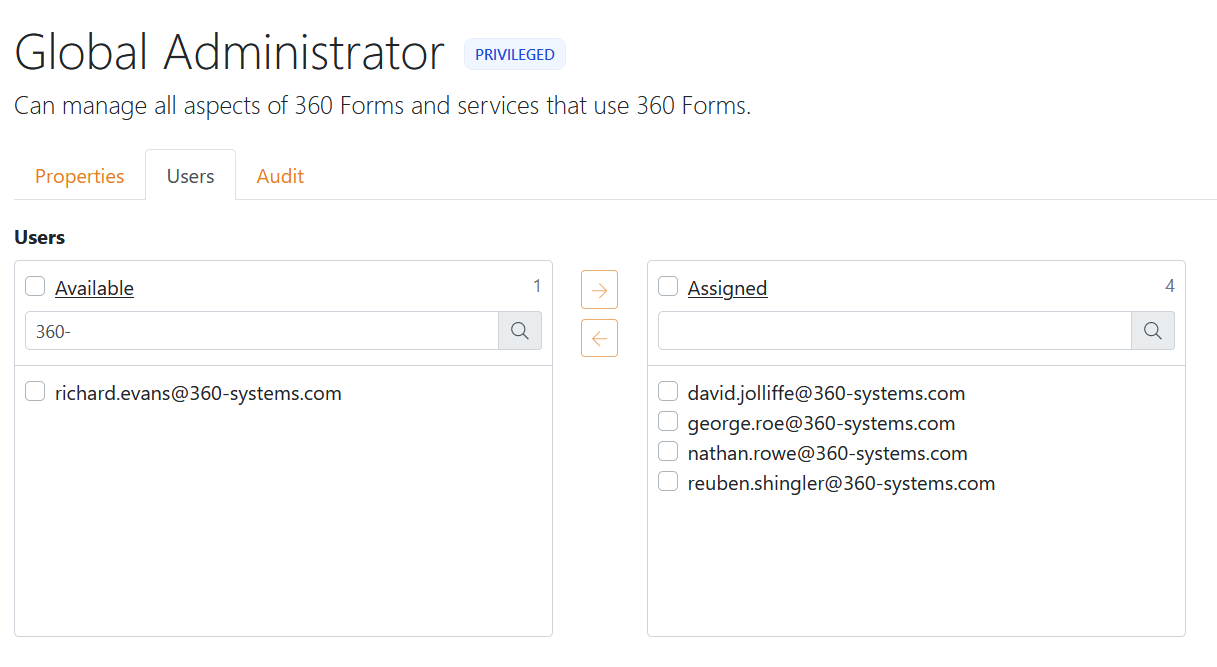
Global Administrator - Can manage all aspects of 360 Forms and services that use 360 Forms
Global Reader - Can read everything that a Global Administrator can, but not update anything
User Administrator - Can manage all aspects of users and groups, including inviting new users
External - Enables access to a form and forbids access to any other part of the system
Third-party - Enables access to a form, Inbox, My Forms and forbids access to any other part of the system
User - Enables access to a form, Inbox, My Forms, All Forms, Dashboards, Archive and forbids access to Admin and Team